Passkeys: sign in without a password
Customer training video generated with EducPilot for a SaaS: what a passkey is, how sign-in works, and why it is safer than a password.
- Length
- 1 min 31 s
- Format
- Landscape, 16:9
- Narration
- English
Behind this video: Passkeys explained: how they work and why they beat passwords
Full transcript
At nine on Monday, Sam mistypes a password again, and WorkHub offers to create a passkey. Sound familiar? That frustration is only part of the problem, because passwords are responsible for eighty percent of breaches today.
So what can replace passwords? A passkey is a digital credential that replaces your password for one website or app. Your phone, computer, or hardware security key stores it. So how do you sign in with one? When the sign-in screen shows your passkeys, select the account you want. Approve the sign-in as you unlock your device, with your fingerprint, face, or PIN. Your fingerprint or face data stays on your device.
So why is a passkey safer? You can type a password into a fake site. A passkey works only with the website or app it belongs to.
Sam creates the passkey, then returns Tuesday and approves the sign-in with a fingerprint. Sam does not need to enter or remember a password for this sign-in.
Remember: no password to type, approve as you unlock, and protection from look-alike sites. Next time a site you trust offers a passkey, create it and follow the setup prompts.
A video like this one, from your documents
Upload a PDF or a procedure, approve the plan, correct the video by annotating it. 5 free minutes of video when you sign up.
More videos
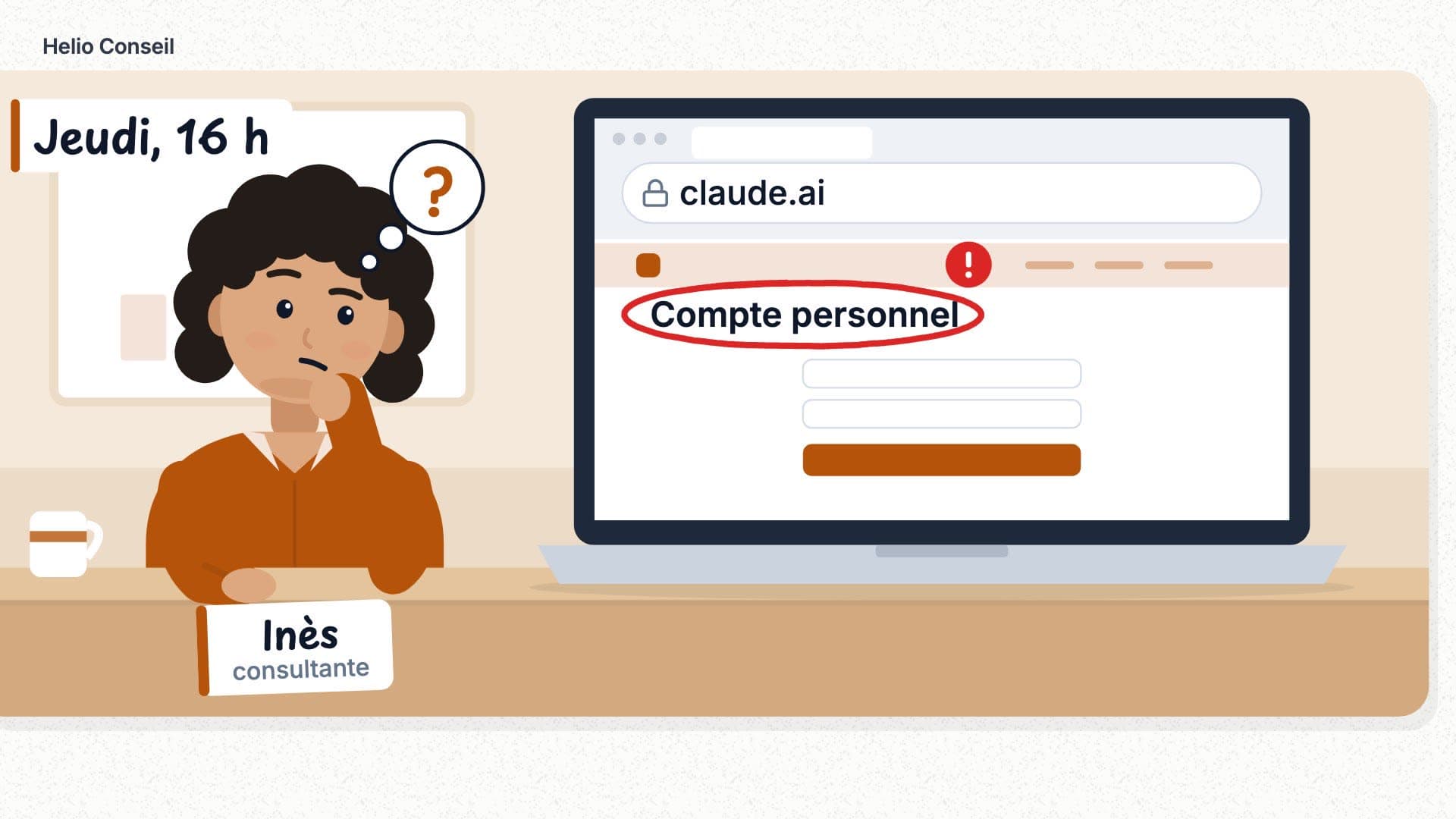 1 min 41 s
Bien utiliser Claude au travail : les 5 règles Helio
Landscape, 16:9 · French
 1 min 42 s
Facture électronique : ce qui change pour votre TPE, et quand
Landscape, 16:9 · French
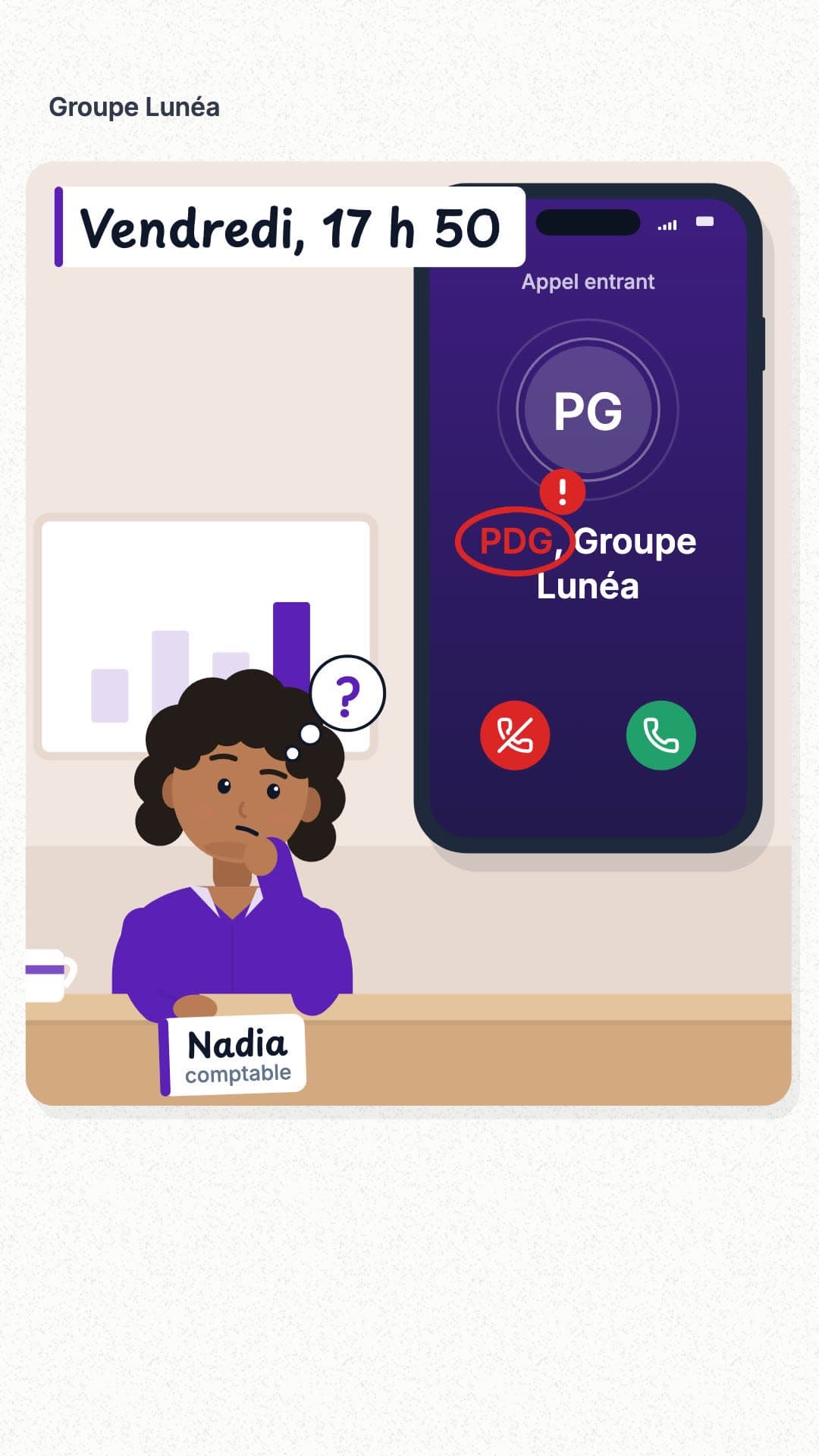 1 min 08 s
Faux appel du PDG : est-ce vraiment lui, ou une IA ?
Vertical, 9:16 · French
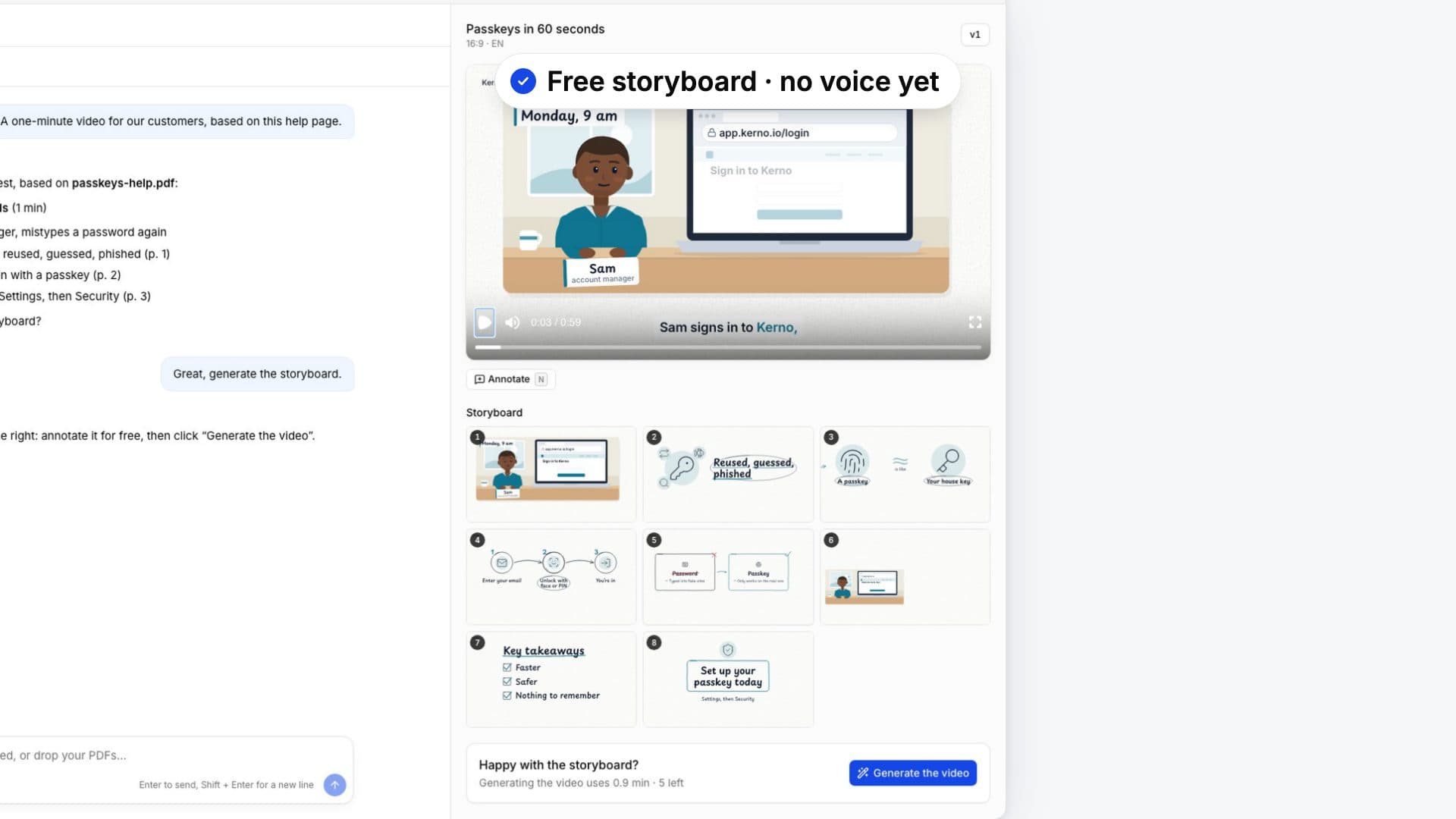 1 min 26 s
EducPilot demo: from a document to a training video
Landscape, 16:9 · English
 1 min 07 s
Backups: calm, no images, subtitled
Landscape, 16:9 · French
 59 s
59 sBackups: lively, rich imagery, no subtitles
Landscape, 16:9 · French